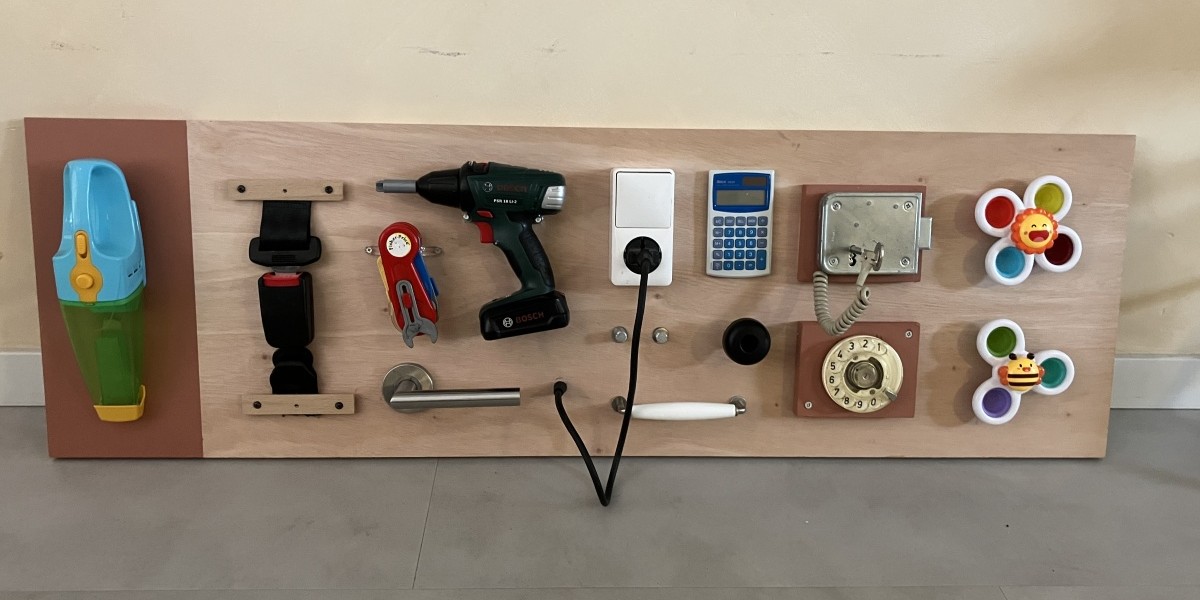
Ever since I first came across the concept of toddler busy boards, or ‘sensory boards’ as they’re sometimes called, I wanted to make one myself. There’s something magnetic about turning knobs and flipping switches without having to worry about the consequences.
With my daughter’s first birthday coming up, I was looking at a proper deadline that turned this craving into a proper side project.
I wasn’t going to just buy some random hardware at the store to build this. I wanted it to consist strictly of things I had lying around the house or tucked away in my shed.
An established programming heuristic and one of my favourite constraints: use existing stuff. Very powerful for giving direction to creativity.
I ended up with a delightful mixture of old toys, unused household gadgets and leftover handyman utilities. Just as I had imagined for the first version.
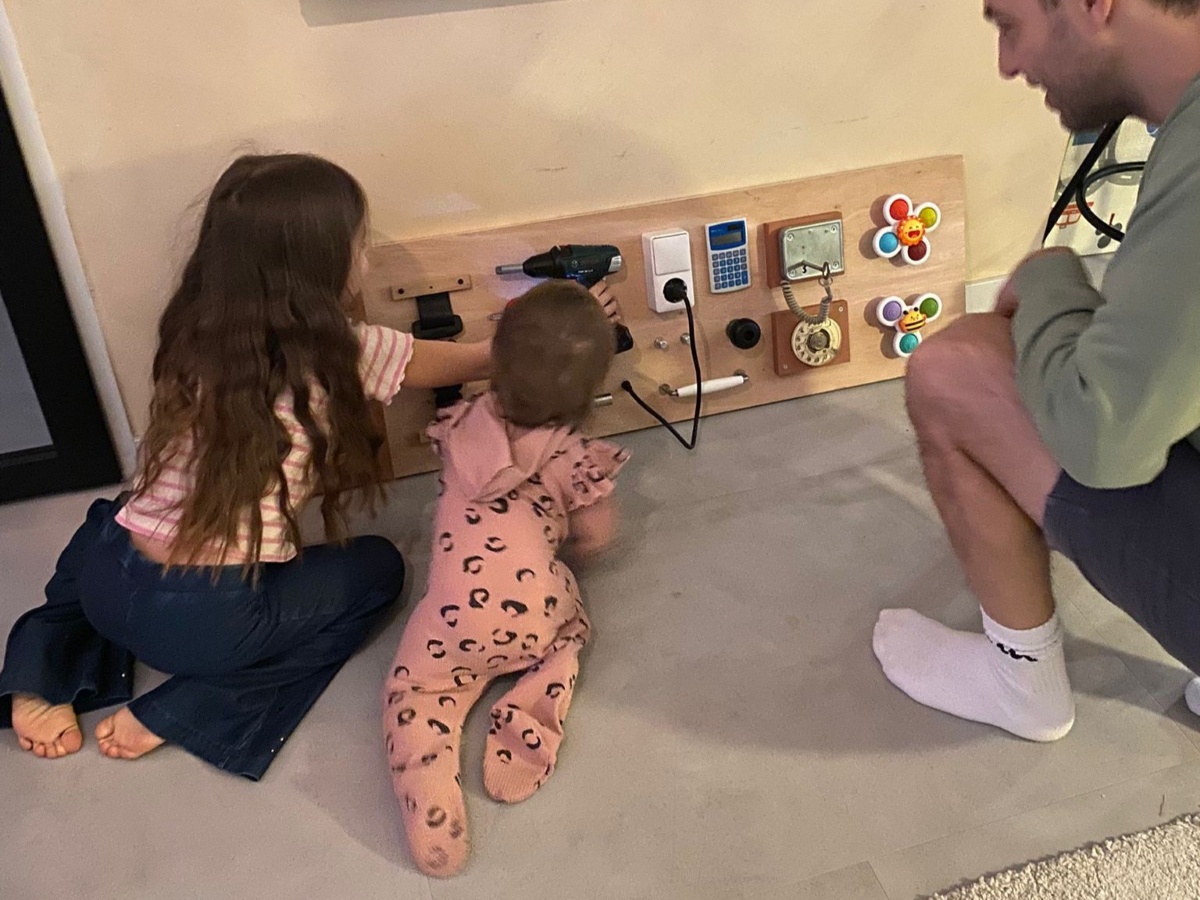
The kids have been playing pleasantly in front of the board since day one. Not just my own, but any kid that visits our house spends some time trying out this curious set of components.
Working in design systems, I’m more than familiar with component libraries and ‘kitchen sink’ pages: every button, toggle, slider and input combined on a single screen. Not tied to actual functions, just clicking and dragging for exploring aesthetics and behaviour.
I started to see the resemblance and decided to set up a digital version of the busyboard.
I wrote a short plan and some criteria for a digital version of the busyboard. On the first day I had accumulated 10 principles in PRODUCT.md, which was a bit overkill for this project. I compressed them into three bare essentials:
From then on it went fairly smooth. Working on amelets.com taught me how to set up a first working version, as long as the principles are solid.
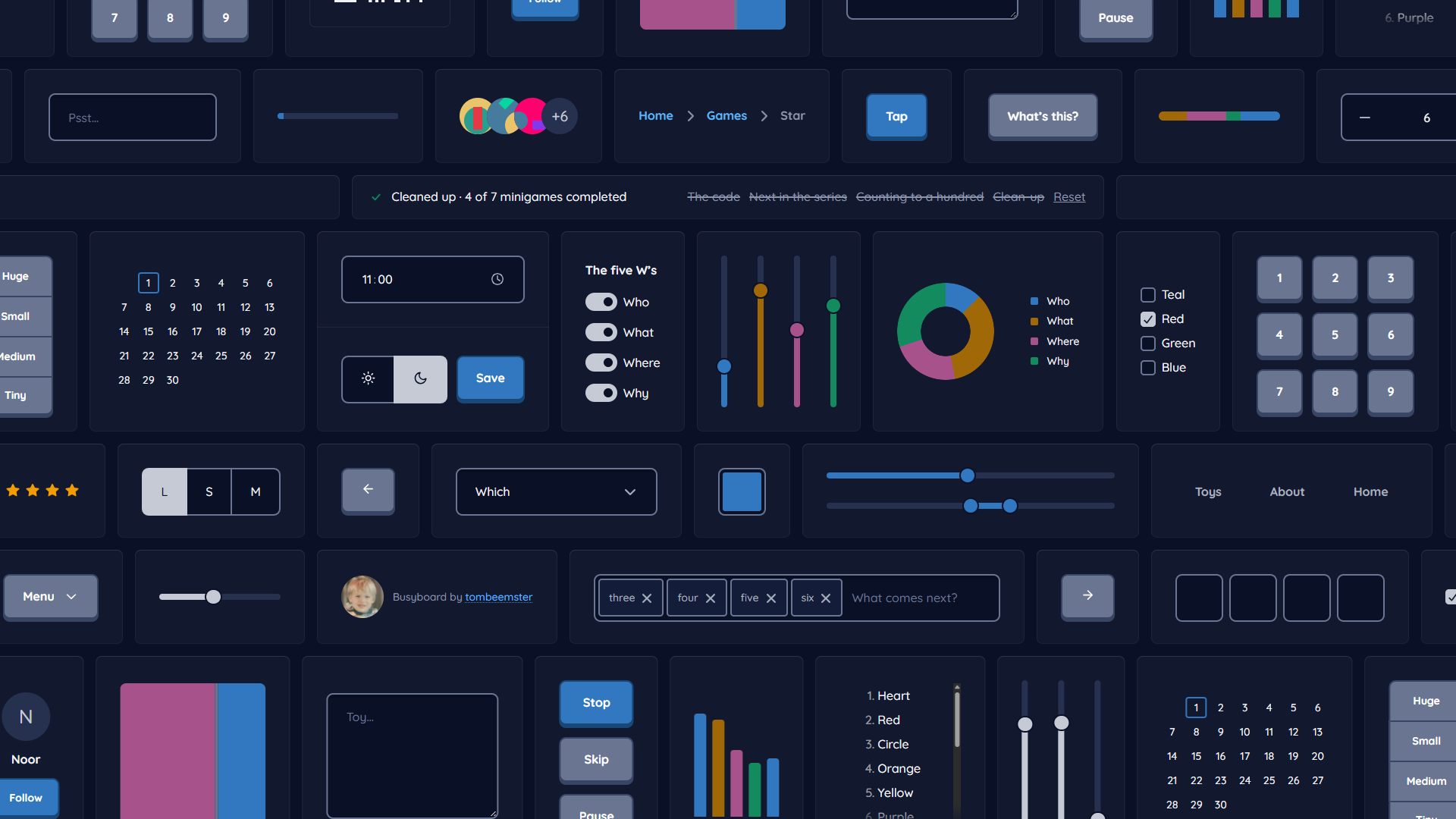
The online board does a bit more than its original counterpart: it generates a new board daily, and also includes minigames. Unlock the seven achievements by following the clues hidden in the components.
After a few days of tweaking and tuning, I sat my kid in front of busyboard v1 for some proper user testing.
She was just as excited as the first time she saw the physical board.
The minigames is probably more of a grown-ups challenge, because they weren’t discovered yet.
Will you find them all?