Amelets: write principles that help you say NO
Whenever my kids start doodling, I keep a close eye on them to explore a world of mysterious entities, anatomically questionable beings and all sorts of unique interpretations of daily things.
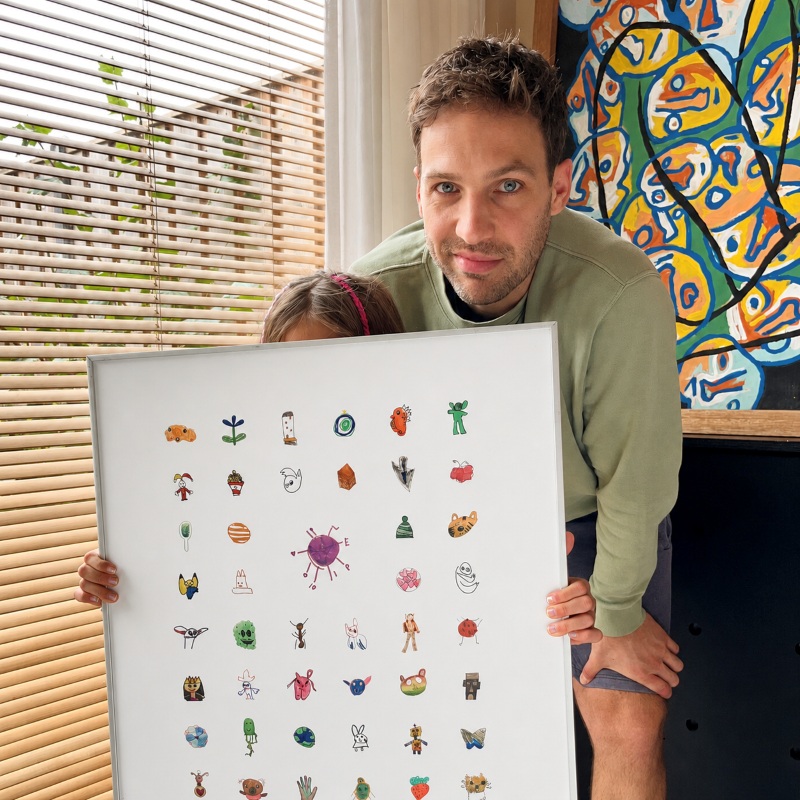
Earlier this year, I selected a bunch of drawings from the endless pile, took some photos, set them up in a grid in Figma and worked a little designer magic.
It looked really cool.
I ordered a poster print and the moment I showed it to my daughter, the artist, her eyes lit up. She was so excited that I decided to team up with AI to take this a little further.
Something worth protecting
I thought a lot about the undeniable creativity of children and the value of authentic expression in this new AI era. I wanted to protect the innocence, the way our kids look at the world.
Manifesto.txt
I wrote a manifesto document, and the Amelets project was born: a small online library where children’s drawings are thoughtfully presented on their own page with a unique label, as if they were hanging from a museum wall.
Before I realized, manifesto.txt contained the principles for what I wanted to protect. Building Amelets became an exercise in turning those principles into decisions.
Turning the manifesto into principles
The manifesto quickly became more than a description of Amelets. It became the source for a small decision system around it:
PRODUCT.mdfor product boundaries,DESIGN.mdfor the visual rules (design system),SECURITY.mdbecame guardrails for data and privacy, andSKILL.mdmakes those decisions available to the agent.
There was one important rule: everything had to trace back to the source. If something wasn’t defined yet, I refused to make up a new rule when a reliable one already existed.
I started using a decision ladder:
- Project rules: manifesto, skill, product, design, security
- Established standards: GDPR, WCAG
- Established heuristics: DRY, YAGNI, KISS, Gestalt
If a decision could be settled higher up the ladder, I stopped there. The earlier the pushback, the cleaner the outcome.
Stay in control
Automate less
I thought many times of clicking always allow whenever asked for permission to execute a task. It requires some discipline, but steadily going with allow once instead has taught me a lot.
Not only does it provide a sense of how our new digital colleagues work the codebase, it has also motivated me to study topics I wasn’t familiar with, like front-end frameworks and database policies. I’m confident that this manual permission method has helped me make informed decisions that align with the principles.
Design by hand
I’m a big fan of tweaking styles and viewing the results directly in the browser, ideally on multiple devices. Although AI excels at organizing selectors and cleaning up unused lines, as a designer, I should be fine-tuning the aesthetics.
“I never use AI for parts of work that are my core capabilities, or for things I just want to do myself.” – Stephen Hay, Art Director
This way, a human keeps control over the look and feel.
Say NO to ‘just this once’
Principles are most useful when saying yes seems perfectly reasonable.
For example when I received some interesting feature suggestions during the first user research, but the principles reminded me that feedback doesn’t always translate to requirements.
Let AI do the push-back thingy
Throughout this project, AI was surprisingly effective in challenging anything that did not align with the decisions I had already defined. I found a digital consiglieri that pushed back on things a human would let slip through.
I needed those moments to reflect and see that my own ideas sometimes violated the principles.
The principles at work
These are four real examples of seemingly innocent exceptions that almost slipped through, if it wasn’t for the principles doing their job.
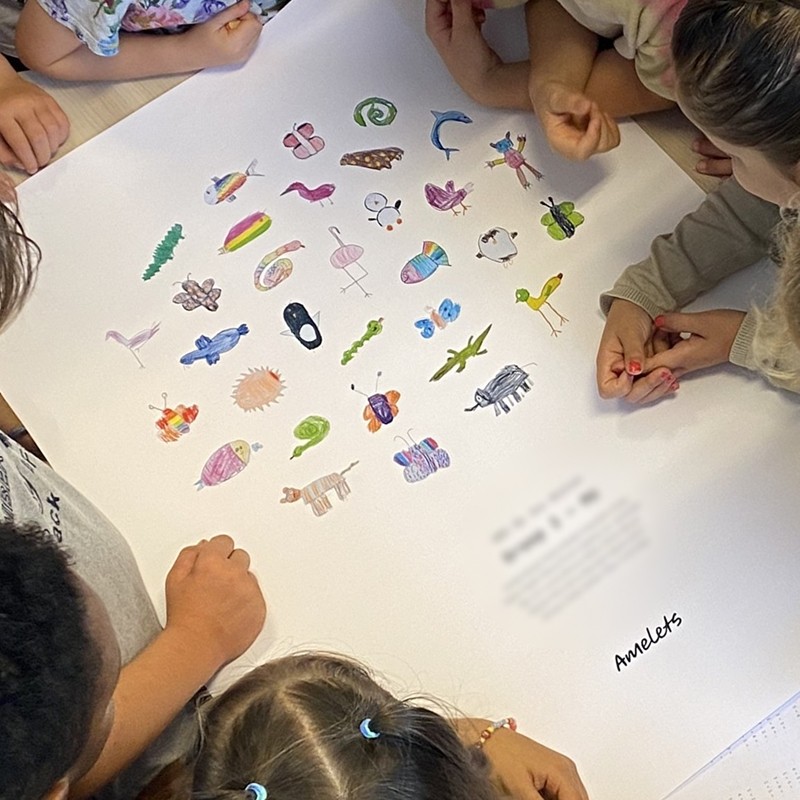
1. ‘Just swap the children’s faces with AI-generated ones.’
I wanted to use the original photos on the About page without showing the children’s faces. Replacing the faces with AI seemed like an easy solution, until the principles pushed back:
Altering the documentary photos conflicts with a project built around authentic human expression.
Instead, I explored ways to include the original photos without using AI to protect the integrity.
2. ‘Just show the child’s name to make the artwork feel more personal.’
It’s only a first name, but the principle is clear:
The archive should present the artwork without exposing the identity of the child.
Artist’ names stay private.
This constraint didn’t cause a downgrade, but the addition of one of the most characteristic elements instead: the museum-style accession code format that also works as a unique URL per artwork.
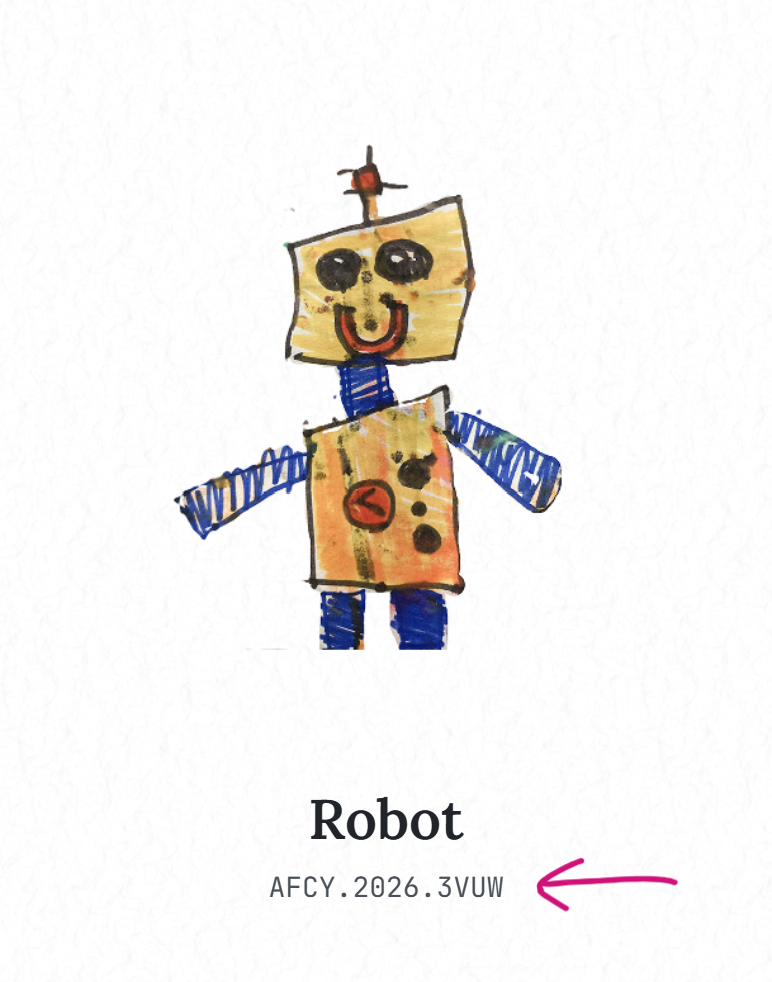
| Part | Digits | Meaning |
|---|---|---|
| ‘A’ | A |
Amelets: every code starts with it |
| Category | F |
Figuur (creature) |
| Colours | CY |
The two dominant colours: cyan and yellow |
| Year | 2026 |
The year it was published |
| Minute | 3VUW |
Base36: 181,256 minutes into 2026 = 6 May at 21:56 |
A creature in cyan and yellow, published on 6 May 2026 at 21:56.
3. ‘Just keep the rejected submissions. The data might be useful later.’
I had already built an archived status for submissions. Keeping them would have been easy, but the security and privacy principles helped me ask a simple question:
Why are we storing rejections at all?
The answer was a stricter data policy: rejected submissions are deleted instantly and original photo uploads are removed right after publication. No 30-day revert-window, just gone.
+0 -370
4. ‘Just add a subtle holographic effect to some of the artworks.’
I was excited about the trading card aesthetic. It looked great and was fun to build. Even showed it to some of the developers in my team.
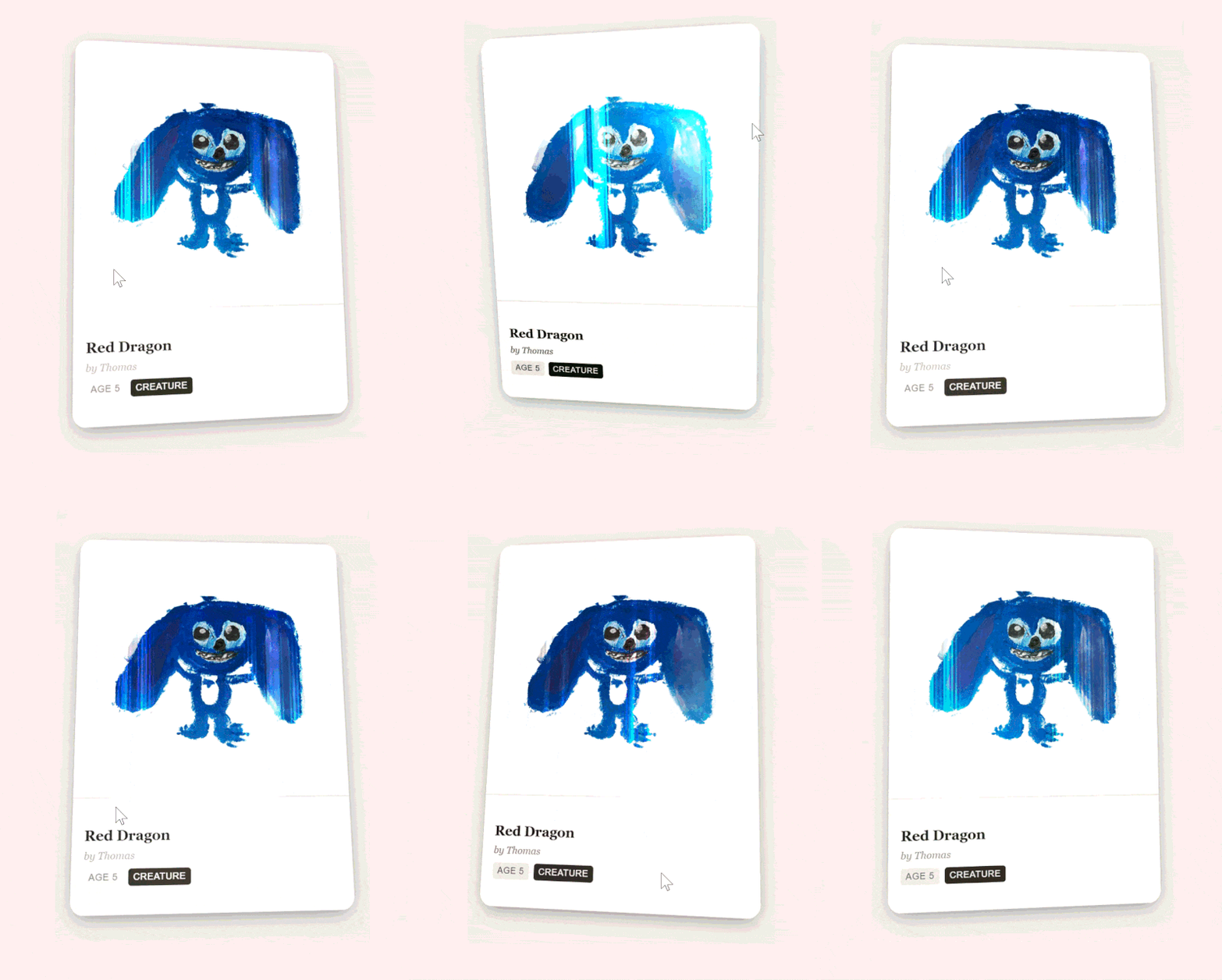
But some drawings suddenly looked ‘rare’, more valuable than others, and the interface started competing with the artwork.
That crossed several boundaries:
Amelets isn't supposed to be a marketplace or collectibles platform, and the artwork should get the attention, not the UI.
So the trading card aesthetic was gone, just like that.
Good idea, still No
I wrote the manifesto to understand why all these little drawings felt so authentic to me. At the same time, I was documenting principles. Principles turned into pushbacks, and the pushbacks helped me say NO to good ideas and stay aligned with what I was trying to do from the start.
| Level | Difficulty |
|---|---|
| 1. Writing principles | Easy |
| 2. Stay in control | Medium |
| 3. Say NO to good ideas | Hard |
tldr; before deciding what you’re creating, write down what it shouldn’t be.
Find out more about how out it turned out and contribute to the library: https://amelets.com